More detailed promo stats
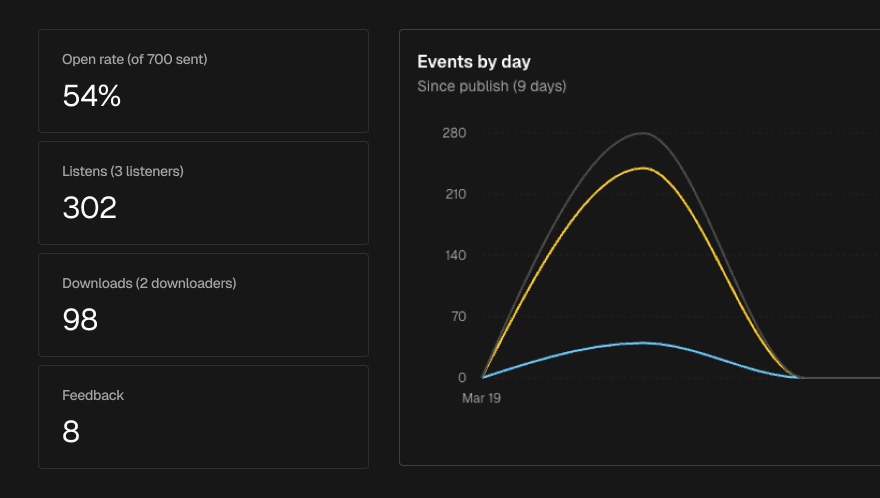
See exactly how your promo is performing
Once a promo has been sent, the Stats tab gives you a live view of how it's landing with recipients. No need to wait for end-of-campaign reports — engagement data updates in real time as people open, listen, and download.
What you'll see
The stats overview surfaces the metrics that matter most:
Emails delivered — how many recipients successfully received your promo
Open rate — the percentage who opened the email
Listens — how many times tracks were played, and how many unique recipients played them
Downloads — total and unique download counts
Feedback submitted — how many recipients filled out the feedback form
For each metric, you can see both the total count and the number of unique recipients involved — so you can tell the difference between one person listening ten times and ten people listening once.
Per-track and per-country breakdowns
Beyond the headline numbers, you can drill into:
Per-file stats — see how plays and downloads break down across individual tracks in your promo
Country breakdown — see where in the world your music is getting attention
Live updates
Stats refresh automatically as activity comes in, so if you've just sent a promo and want to watch the early response, you don't need to keep hitting reload.