Schedule a promo send
Send promos at exactly the right moment
Sometimes the timing of a release matters as much as the release itself. Scheduling lets you prepare a promo in advance and have it go out automatically at a specific time — whether that's a Friday morning, ahead of a release announcement, or coordinated across time zones.
Setting a scheduled send
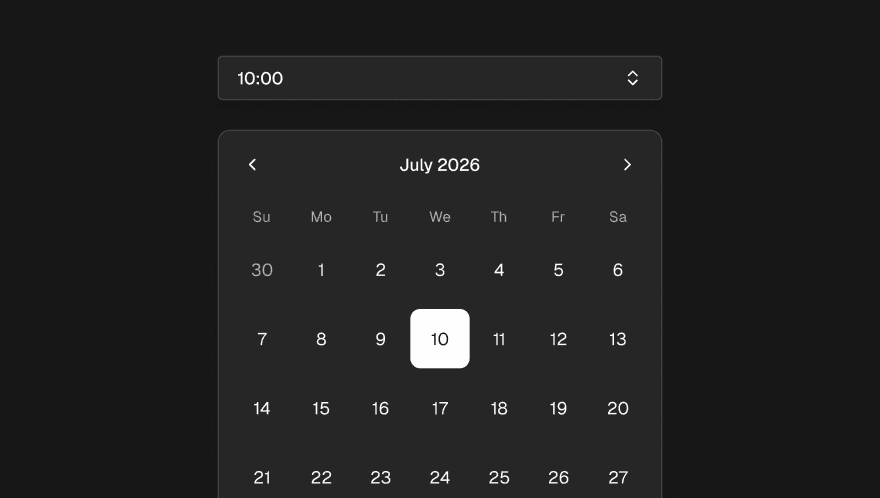
When you're ready to send a promo but don't want it to go out immediately, choose the Schedule option instead of Send. You'll pick a date and time for the send. You can also specify which audience tags to target at this point — so only the right contacts receive it when the time comes.
Before confirming, Trackdrop checks that your billing is in order and that the target audience has at least one reachable recipient. If either check fails, you'll be told why before anything is locked in.
Viewing and managing scheduled promos
Scheduled promos appear in your promos list with a clear "Scheduled for [date]" indicator so you always know what's queued up and when.
Up until the moment a scheduled promo goes out, you can:
Update the send time — push it earlier or later
Change the target audience — swap which tags are included
Cancel the schedule entirely — this returns the promo to draft, ready for you to either reschedule or send manually