Share your promo without a contact list

Share your promo with anyone.
No contact list required.
You no longer need a contact list to share music through Trackdrop. The new Distribution step lets you publish a promo to a public link that anyone can open — great if you're sending to people one-by-one, posting in a group chat, or building your audience from scratch.
Turning on the public link
When you reach the Distribution step in the promo builder, you'll see a card titled “Make a shareable public link”. Flip the switch and Trackdrop generates a unique URL for the promo, which appears in the expanded card alongside a Copy link button.
The public page goes live straight away — there's no separate send-time or schedule to set. Toggling the switch off takes the page down again.
Using the link alongside an email send
The public link works independently of sending the promo to your existing audience. You can do either, both, or just one:
Public link only — share the URL directly, no email blast
Audience send only — the classic flow, no public page
Both — send to your audience and share the URL anywhere else you want it to land
What recipients see
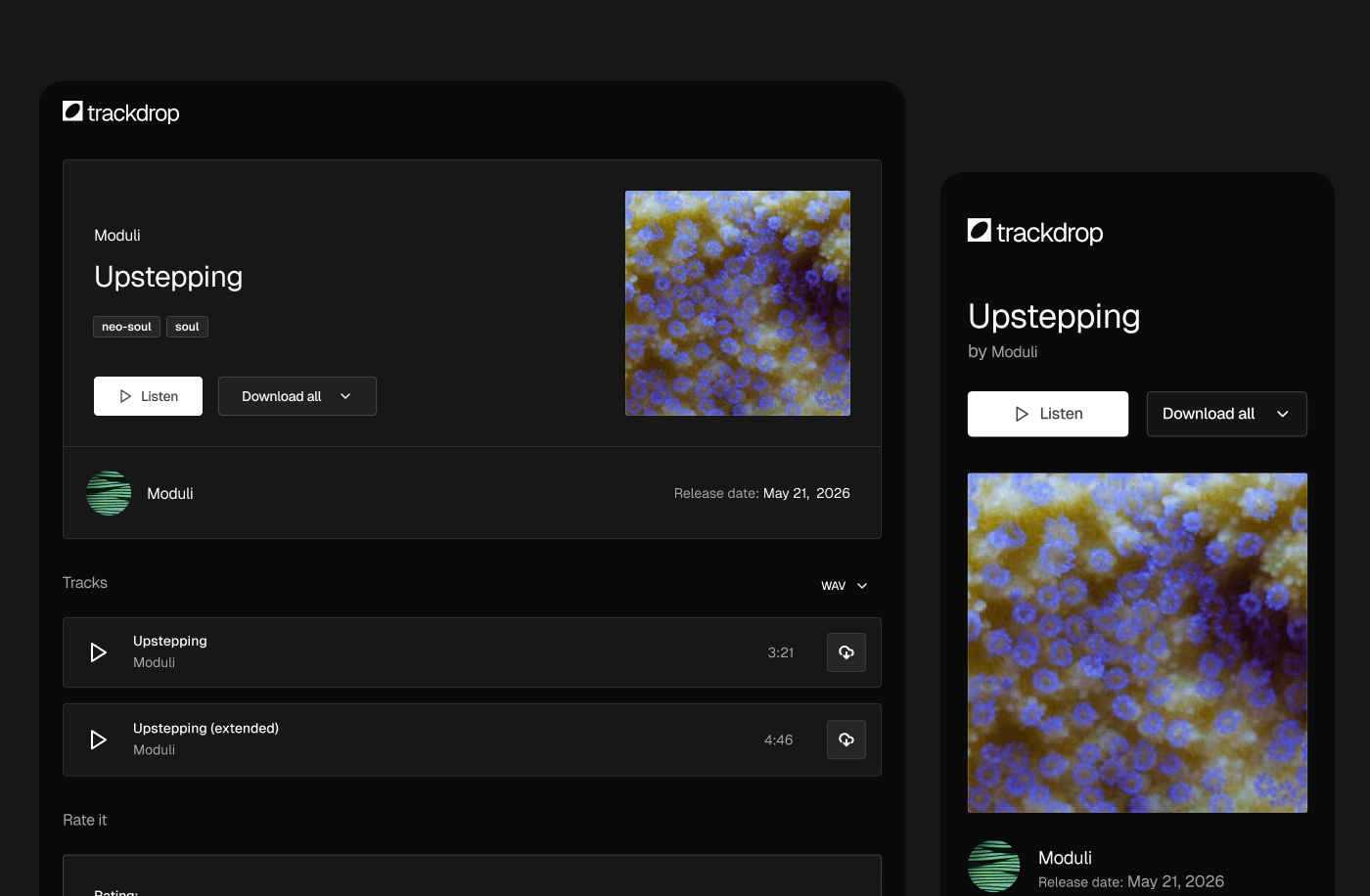
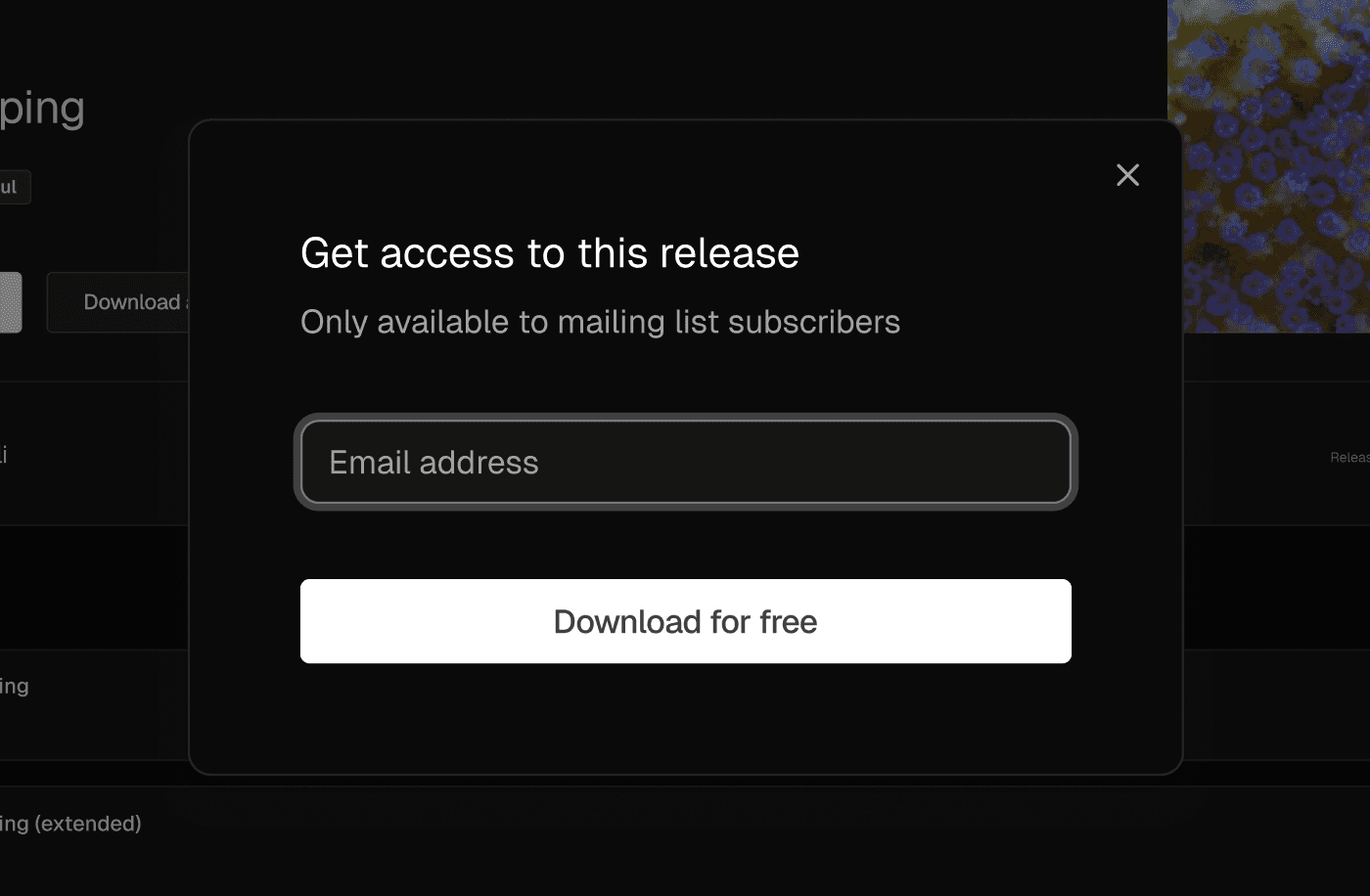
When someone opens the public link, they land on a clean promo page with the artwork, release details, and streaming previews of every track. Before they can download anything, they're asked to enter their email address — so even though the link is public, you still build up a record of who's actually engaging with the release.