Tag your audience
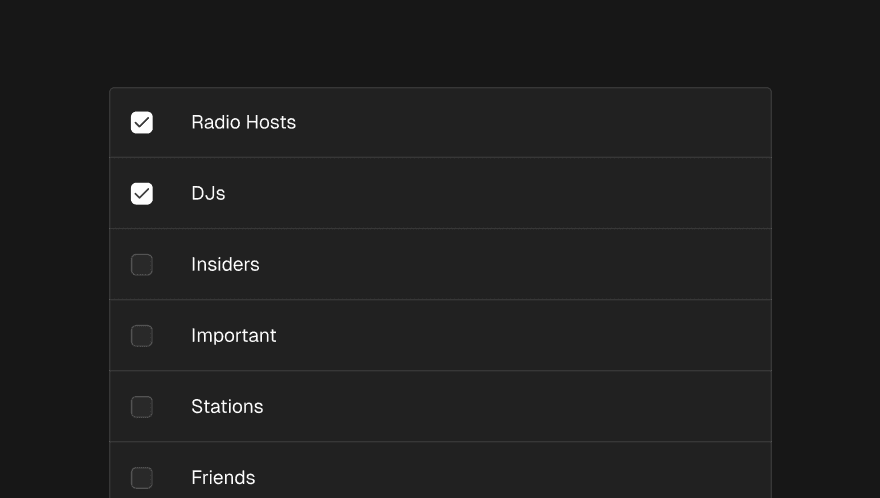
Send to exactly the right people, every time
Tags let you organise your contacts into named audiences and target promos precisely to the right group when you send.
Creating tags
Tags are created from your contacts area and can be named anything that makes sense for how you work — genre, region, format, relationship type, whatever fits your roster and contact base. There's no limit on how many tags you create.
Assigning contacts to tags
Once your tags exist, you can assign contacts to them individually or in bulk. Contacts can belong to multiple tags — a contact who covers both house and techno can be tagged accordingly and will receive promos targeted at either.
Targeting tags when sending
When you send or schedule a promo, you'll see an Audience step where you can select which tags to include. The targeting works as an "any of" match — a contact who has at least one of the selected tags will receive the promo.
If you don't select any tags, the promo goes to your entire reachable contact list.
Before you confirm a send, Trackdrop shows you how many reachable contacts match your selection — so you know the size of your audience before anything goes out.