My account
Updating my email address
For organization owners:
The organization creator is automatically assigned as the ‘owner’. If your team on Trackdrop expands or changes, you may need to reassign this role to another person.
The easiest way to do this is via the user settings:
Log in to the Trackdrop account for the organization owner.
Navigate to your user settings by clicking the email address at the bottom of the menu bar on the left side of the screen.
Enter the address you’d like to use going forward and click Save.
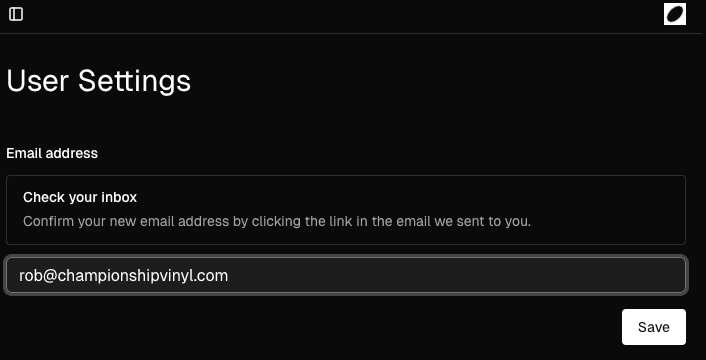
You’ll receive an email to the original account owner’s address. Click the link in the email.
A verification page will open. Confirm your update here to finalize the change.
For admins and team members:
If your email address has changed, please reach out to the organization owner or another administrator and ask them to send an invite to your new address.
Your promos and stats aren’t user specific, so you’ll be able to pick up right where you left off after you rejoin.
Your admin or organization owner can remove the user account associated with your old address.