My organization
Brand your organisation / promos
Creating a strong and recognizable brand helps your audience identify your promos, so they’re more likely to discover your tracks.
Trackdrop provides customization options so you can make your messages stand out, and increase your chances of getting heard. On Trackdrop, you can:
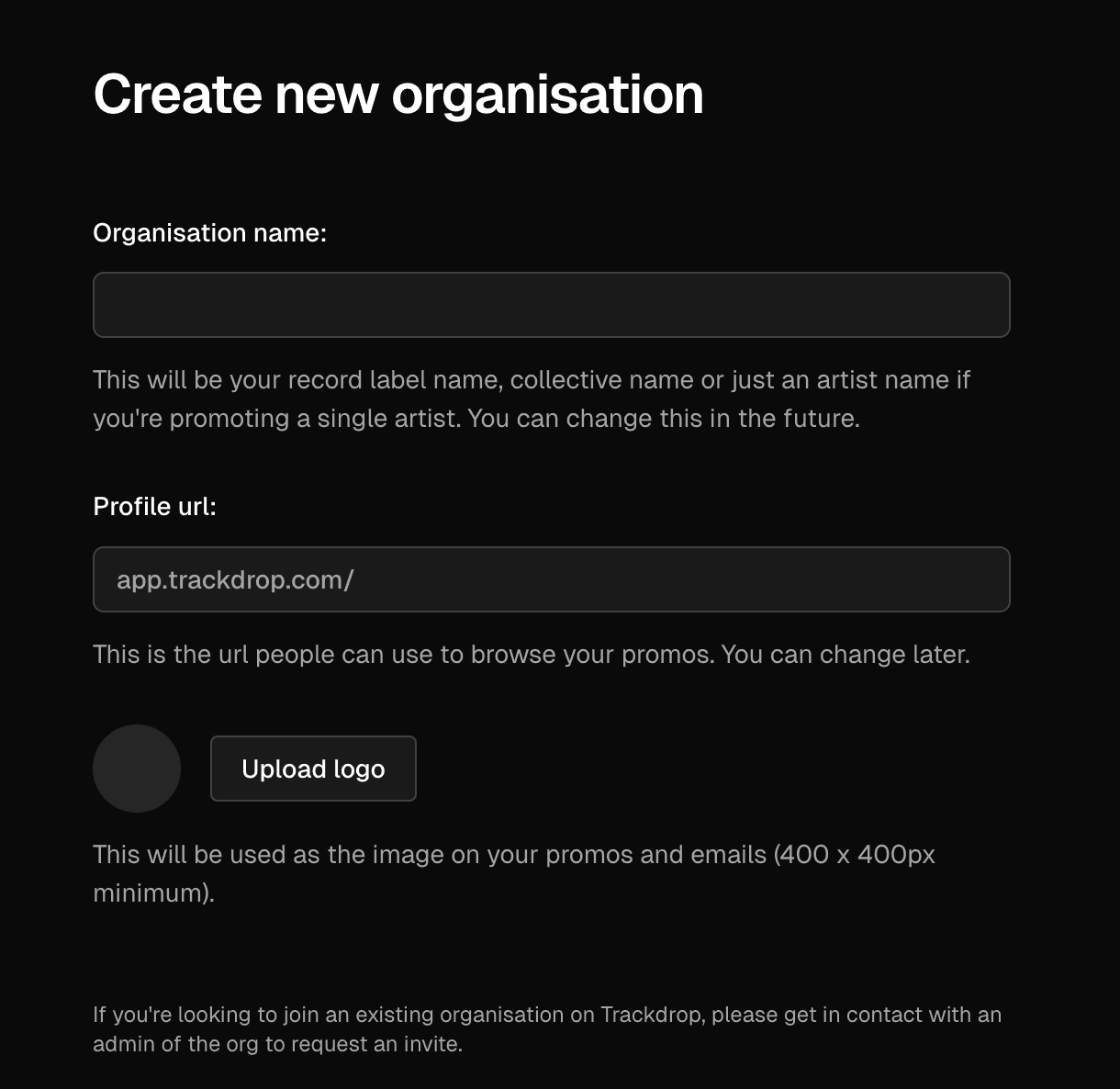
Add and update your organization name.
Choose a custom URL where your audience can view your promos.
Upload a logo to be included in your emails and promo pages.
You can update these details any time, keeping your branding fresh.
Creating a new organization
You’ll be asked to include your organization name, set a URL, and upload a logo when you first create your organization. For a detailed guide, check out: Creating a new organization [Link to 'Creating an organization']
Editing an existing organization
Whether you’re fully rebranding or just perfecting your details, it’s easy for you and your team to make changes at any time from the organization settings page:
Log in to your Trackdrop account.
Optional - if you’re in more than one team, click the organization name on the left to switch to the organization you want to update.
Click Settings in the left-hand menu to navigate to https://app.trackdrop.com/dashboard/your-organization/settings.
Make your changes:
Logo: Add a custom logo.
Image file requirements: 400x400px minimum, PNG or JPG.Organization name: Enter the name of your organization.
Profile url: Each organization has a unique link. You can enter letters, numbers, and hyphens to customize your URL.
Click Save.