Subscriptions and billing
Cancelling my subscription
Your Trackdrop subscription can be cancelled at any time by the organization owner, directly from the account settings.
If you do not have owner access, ask your organisation owner to follow these steps:
Step 1: Open your Settings page to the Billing tab
If you’re already logged in to Trackdrop in this browser, you can click here.
Alternatively:
Navigate to https://app.trackdrop.com/, log in as the organization owner
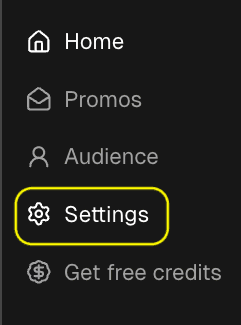
In the left sidebar, click Settings
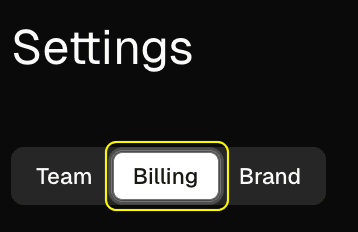
Open the Billing tab
Step 3: Click "Manage billing"
In the top-right corner of the Billing section, click the Manage billing button.
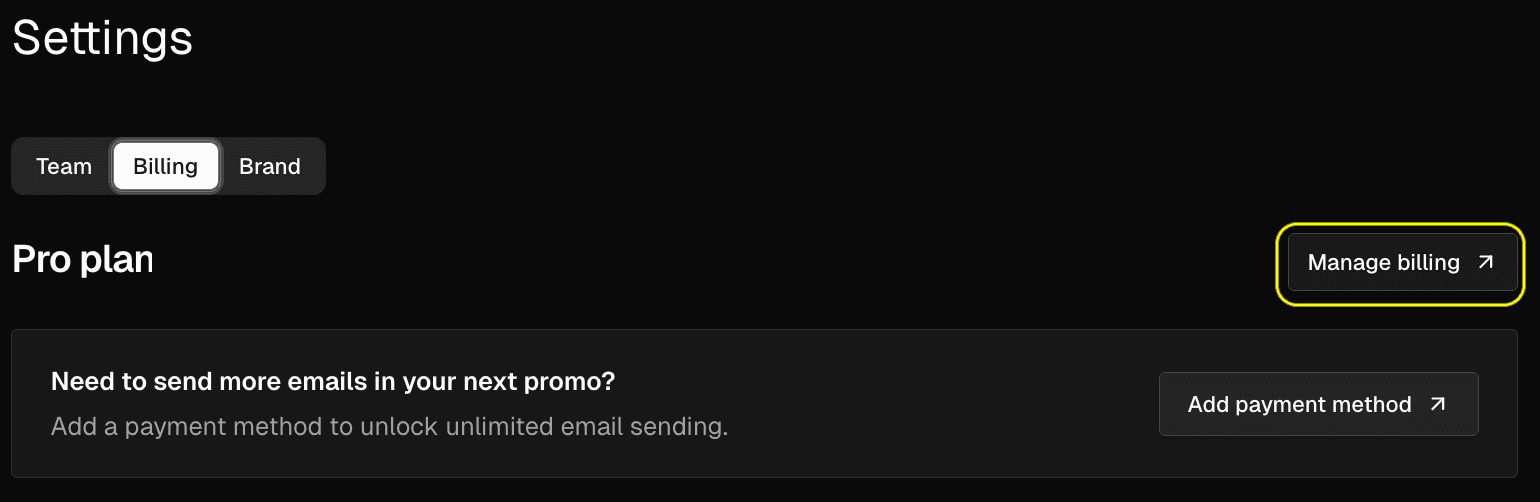
You will be redirected to Stripe's billing portal. This is our trusted payment processor, and the portal will return you to the Trackdrop billing page when you are done.
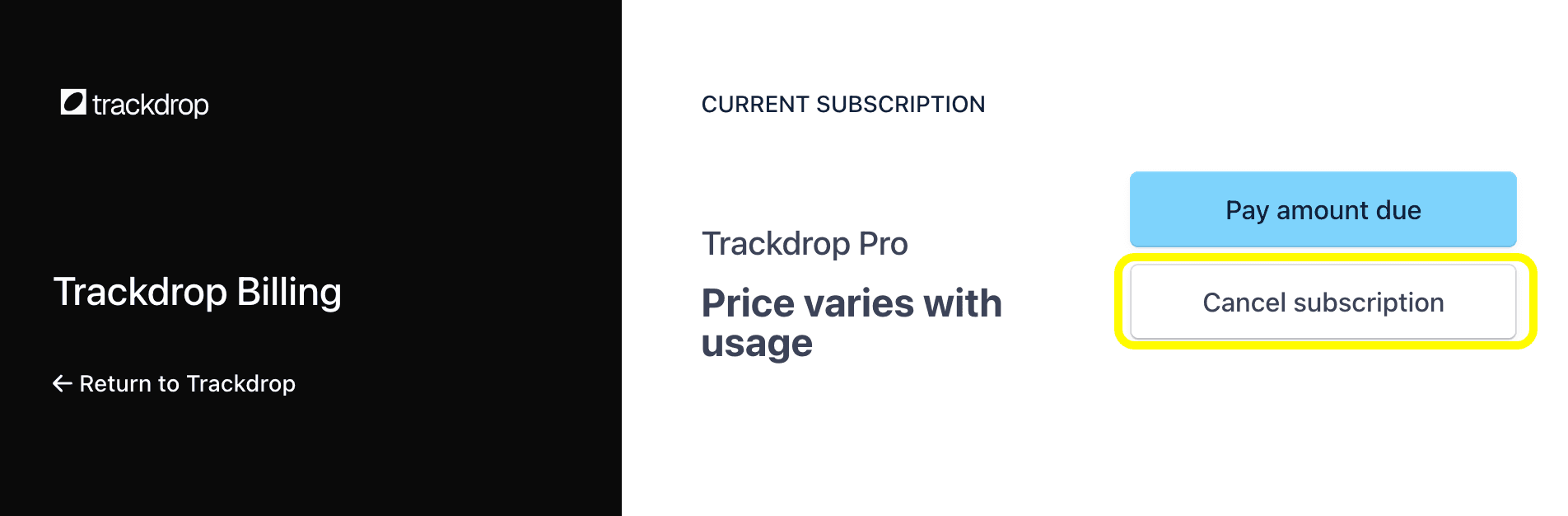
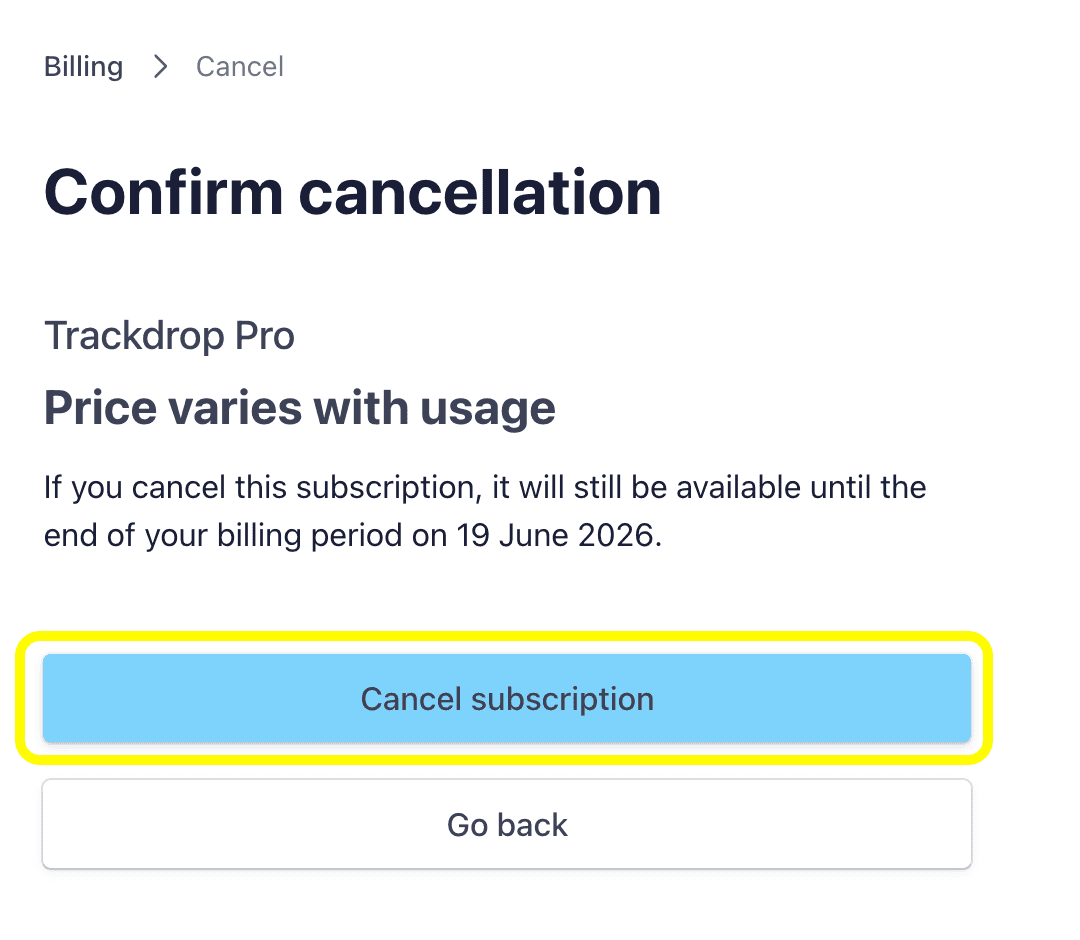
Step 4: Cancel your subscription in the Stripe billing portal
Follow the steps presented in the Stripe portal to cancel your subscription.
What happens after you cancel
While your current billing period is still active
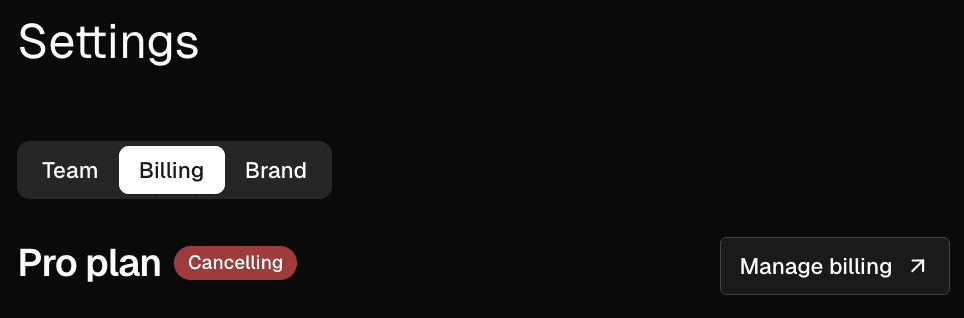
Your subscription won’t end immediately when you cancel, and you can keen on using Trackdrop until the end of the period you’ve paid for. On the Billing tab, the status badge next to your plan name will change to ‘Cancelling’ and turn red.
The invoice summary will no longer show a renewal charge for the next period. Only any overage charges for extra emails sent during the current period will appear.
After the billing period ends
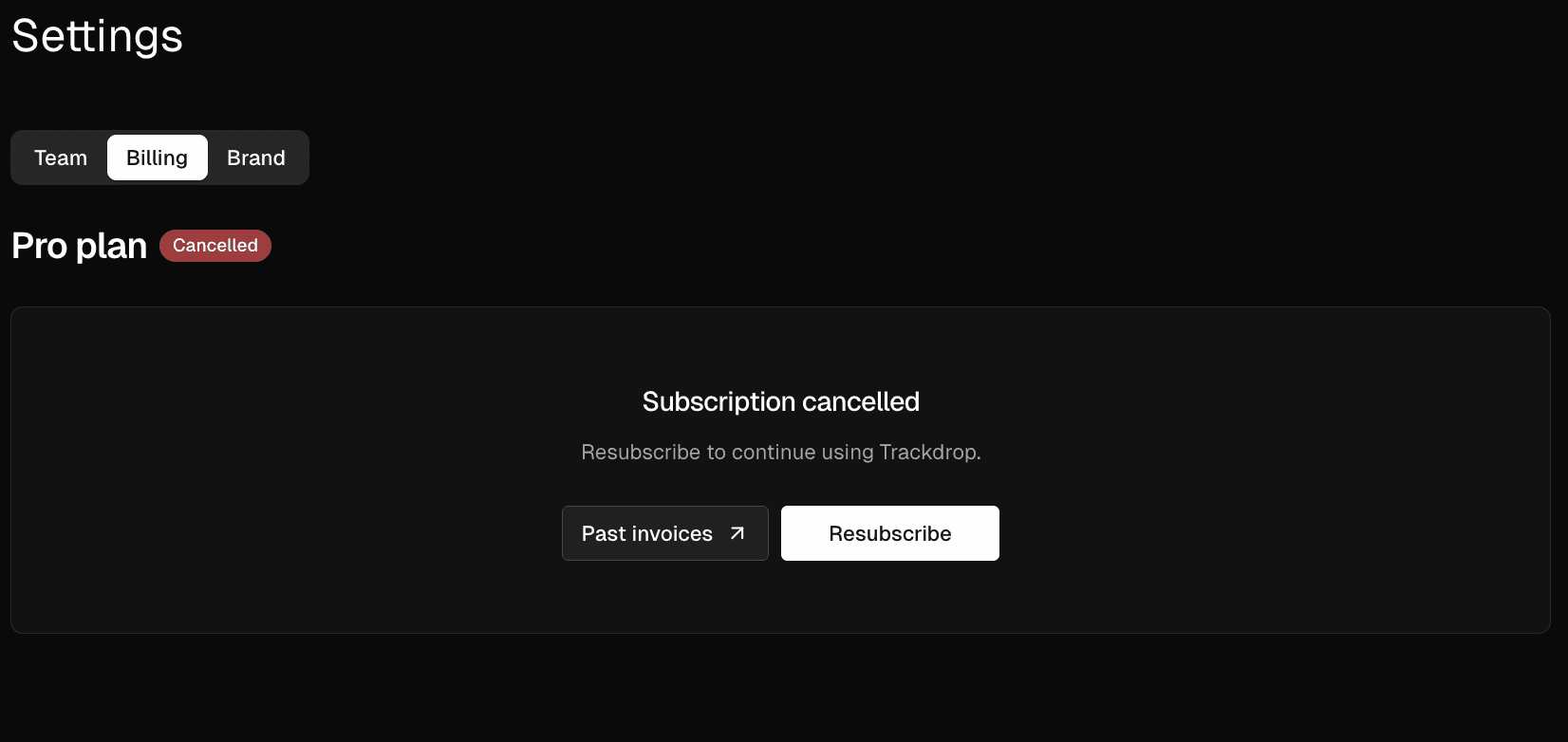
Once your subscription has fully ended, the Billing tab will show the following in place of your usage and invoice details:
Viewing past invoices after cancellation
After your subscription has ended, you can still access your invoice history. On the Billing tab, click Past invoices. You will be taken to the Stripe portal where your previous invoices are listed.
Changed your mind? Resubscribing
If you want to reactivate your subscription, click Resubscribe on the Billing tab. You will be taken to a checkout page to start a new subscription. Once your payment is confirmed, your subscription will be active again.