FAQs
What's new
Log in
Start for free
Back to Dashboard
Jun 23, 2026
You no longer need a contact list to share music through Trackdrop. The new Distribution step lets you publish a promo to a public link that anyone can open — great if you're sending to people one-by-one, posting in a group chat, or building your audience from scratch.
May 5, 2026
If you regularly send promos that follow the same shape — same audience, same copy, same artwork pattern — you can now duplicate an existing promo as a starting point instead of rebuilding from scratch.
Apr 20, 2026
When recipients reply to a promo email, those replies now show up directly in Trackdrop — no need to dig through your inbox to find them.
Apr 17, 2026
Audio isn't always the whole story. You can now attach additional images and PDFs to a promo — press shots, one-sheets, alternative artwork — and recipients can grab them alongside the music.
Apr 10, 2026
Once a promo has gone out, you can now send it to additional contacts without creating a duplicate — useful for follow-ups, late additions to your audience, or contacts you imported after the original send.
Mar 27, 2026
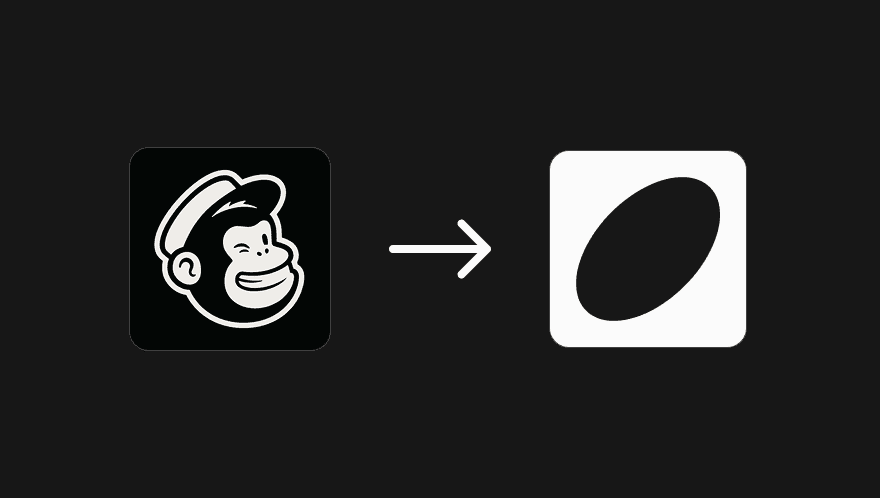
If you've been building your list in Mailchimp, you don't need to start from scratch in Trackdrop. The Mailchimp import lets you pull your contacts across in a few clicks, with no spreadsheets involved.
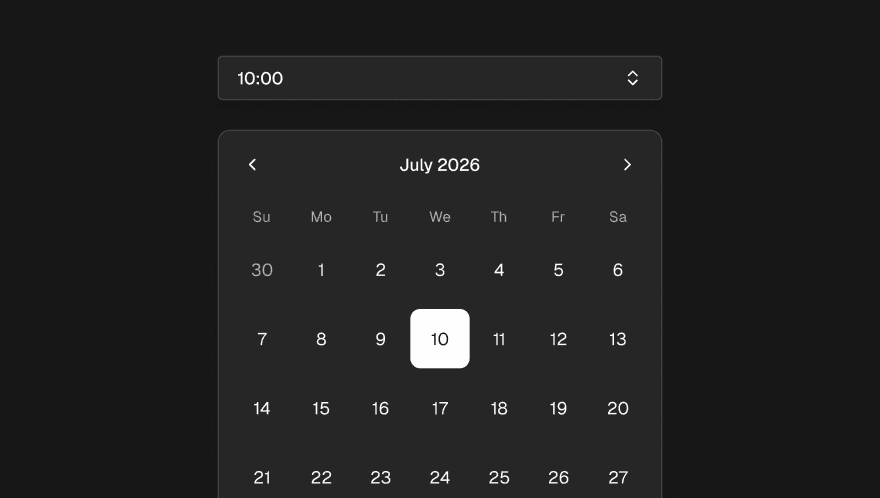
Sometimes the timing of a release matters as much as the release itself. Scheduling lets you prepare a promo in advance and have it go out automatically at a specific time.
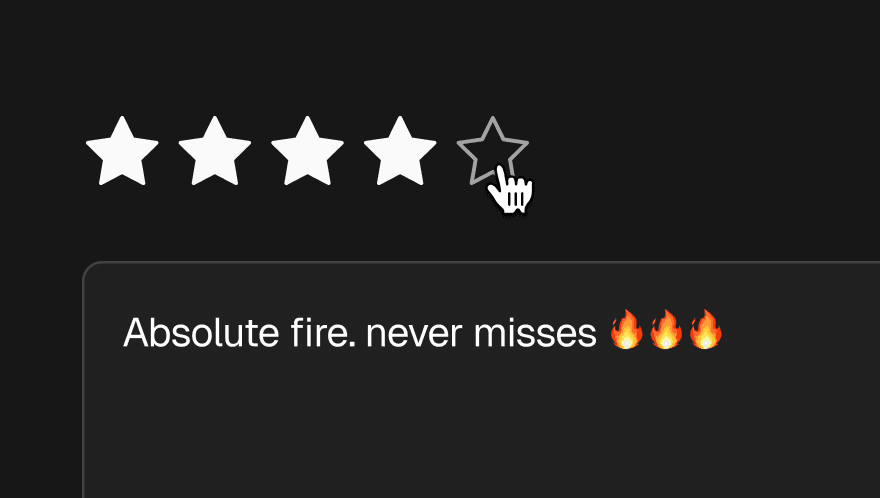
Trackdrop's Feedback feature gives you a direct, structured line to the opinions of the people you're sending to, and a way to share those opinions with the artists you work with.
Mar 20, 2026
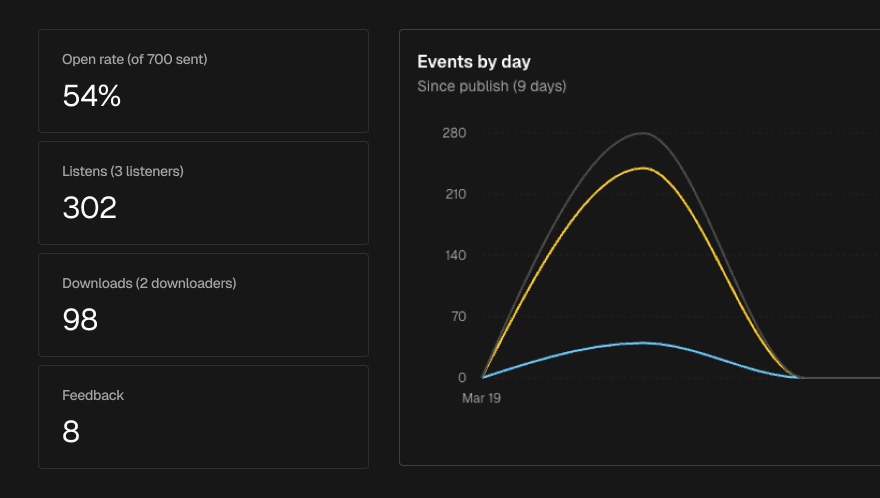
Once a promo has been sent, the Stats tab gives you a live view of how it's landing with recipients. No need to wait for end-of-campaign reports.
Mar 19, 2026
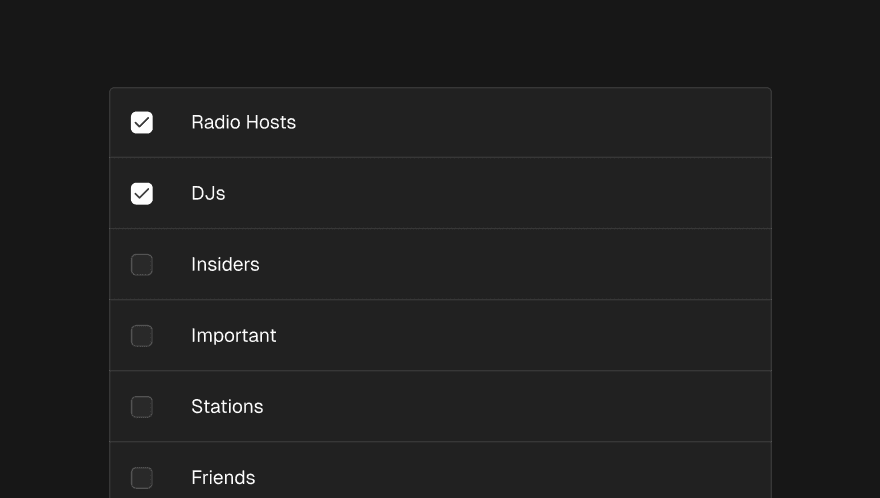
Tags let you organise your contacts into named audiences and target promos precisely to the right group when you send.